
E-Day has a weekly cap on Coins earned from completing multiplayer matches, while Coins earned from Player Level milestones and medals are outside that cap. For the October 7, 2026 launch baseline, the confirmed rules do not provide a reliable numeric cap or exact reset time. Do not treat a community guess about Monday, a shop rotation, or a weekly-challenge refresh as proof of the Coin reset schedule.
If match Coins stop arriving or become lower than expected, check the reward category and your match results before assuming all progression has stopped. You can still pursue Player XP, medal goals, and direct cosmetic unlocks. The cap applies to a specified Coin source, not to every reward in the game.
Know which Coins are capped
The official multiplayer description gives three Coin sources: completed multiplayer matches, Player Level milestones, and medals. Only the match-completion source is explicitly subject to the weekly cap.
| Coin source | How it is awarded | Weekly-cap treatment |
|---|---|---|
| Versus or Horde Siege matches | End-of-match reward based on performance and score | Subject to the match Coin cap |
| Player Level progression | A batch every ten Player Levels | Outside the match Coin cap |
| Medals | Coin rewards on many medal unlocks, with larger rewards at higher tiers | Outside the match Coin cap |
This distinction prevents a common accounting error. Your total Coin balance can rise from a milestone or medal even when your match-earning allowance has been reached. That increase does not prove that the match cap disappeared or reset.
Likewise, a match result that produces Player XP without additional match Coins does not mean the entire match was unrewarded. Read the separate result categories and keep them attached to their source.
Do not use your balance as the weekly counter
Your current Coin balance combines previous earnings and purchases. It is not automatically a measure of how many capped match Coins you earned this week. Spending Coins lowers the balance, but it does not establish that the game's weekly match-earning allowance has reopened.
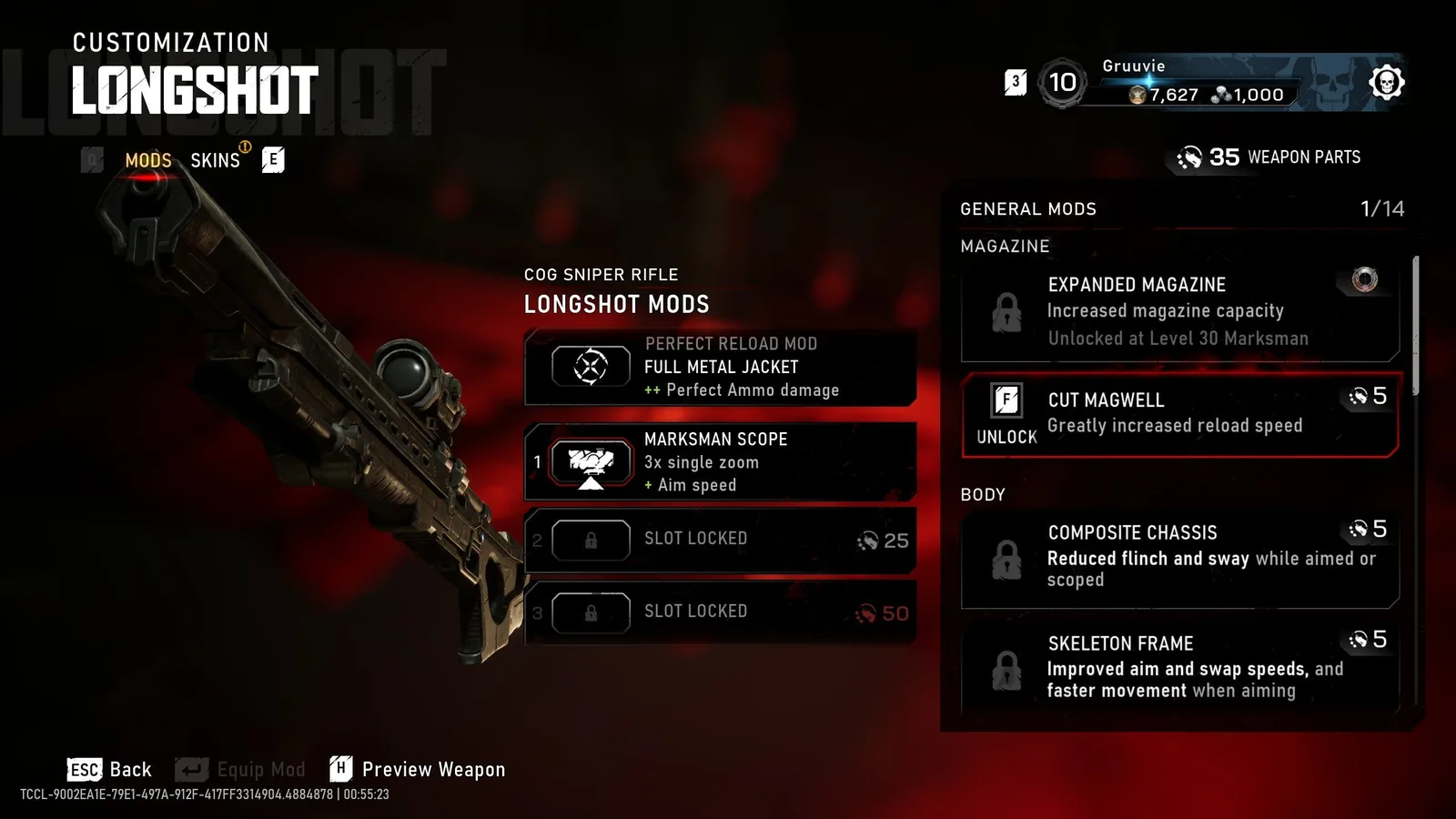
The account Coin balance is displayed separately from Weapon Parts. This screen does not report how many capped match Coins were earned in a week.
For example, a medal reward can raise the balance after a match, while a cosmetic purchase can lower it before the next one. Without distinguishing those events, the change between two balance screenshots cannot tell you how much came from match completion.
Keep a small record if you are checking an apparent cap: the balance before the session, match Coin awards shown, milestone or medal awards, and any purchases. You do not need to track every action forever. The purpose is to clarify the period where match awards stopped or changed.
If a results screen explicitly shows a cap-related message, retain it. That is more useful than inferring the cap from a total balance that includes several earning methods.
The numeric limit remains unconfirmed here
The official wording describes the weekly allowance as enough to acquire a Legendary Character skin with Coins remaining. That is a qualitative description of the intended allowance, not a numeric amount. It cannot be converted into a Coin figure without verified current prices and the actual limit.
The confirmed launch rules also do not establish a specific after-cap rate. Community discussions give conflicting interpretations of a hard stop and a reduced earning rate, so this guide does not promise either behavior. The confirmed part is the match-source cap and the Player Level and medal exemptions.
Use the current game's displayed information if it gives your account a cap status or amount, and keep the date with that observation. Do not present a personal result as a universal cap until the rule is confirmed across the appropriate current conditions.
A page that invents a precise figure would be less useful than this limitation. Your practical decision is still clear: distinguish match awards from uncapped milestones and medals before deciding whether more play can progress your chosen purchase.
Keep Coin reset timing separate from launch schedules
The September 30 announcement says Premium Edition players receive the same weekly challenges on October 1 that other players receive on October 6, with weekly challenges refreshing on October 13. It also says shop offers rotate every Tuesday.
Neither statement specifies the exact Coin-cap reset. Challenge refreshes, discounted shop rotations, and match Coin allowances are different systems. Sharing a weekly schedule does not establish that they reset at the same hour or even through the same rule.
Do not change your PC clock to try to reset the cap. The launch notes discuss authentication when a system clock differs significantly from correct time, not a legitimate way to change an earning allowance. Keep the clock accurate and judge rewards through the game's actual result state.
If you are planning a session around a supposed reset, wait for a confirmed cap status or schedule. Avoid converting an unsupported reset guess into your local time zone and then treating the conversion as evidence that the original time was correct.
Use Player Level milestones after match Coins are limited
Every ten Player Levels awards a batch of Coins, and those rewards are outside the match cap. Player XP comes from multiplayer matches and weekly challenges in Horde Siege and Versus. That makes level progression a relevant goal even when additional match Coin earnings are limited.
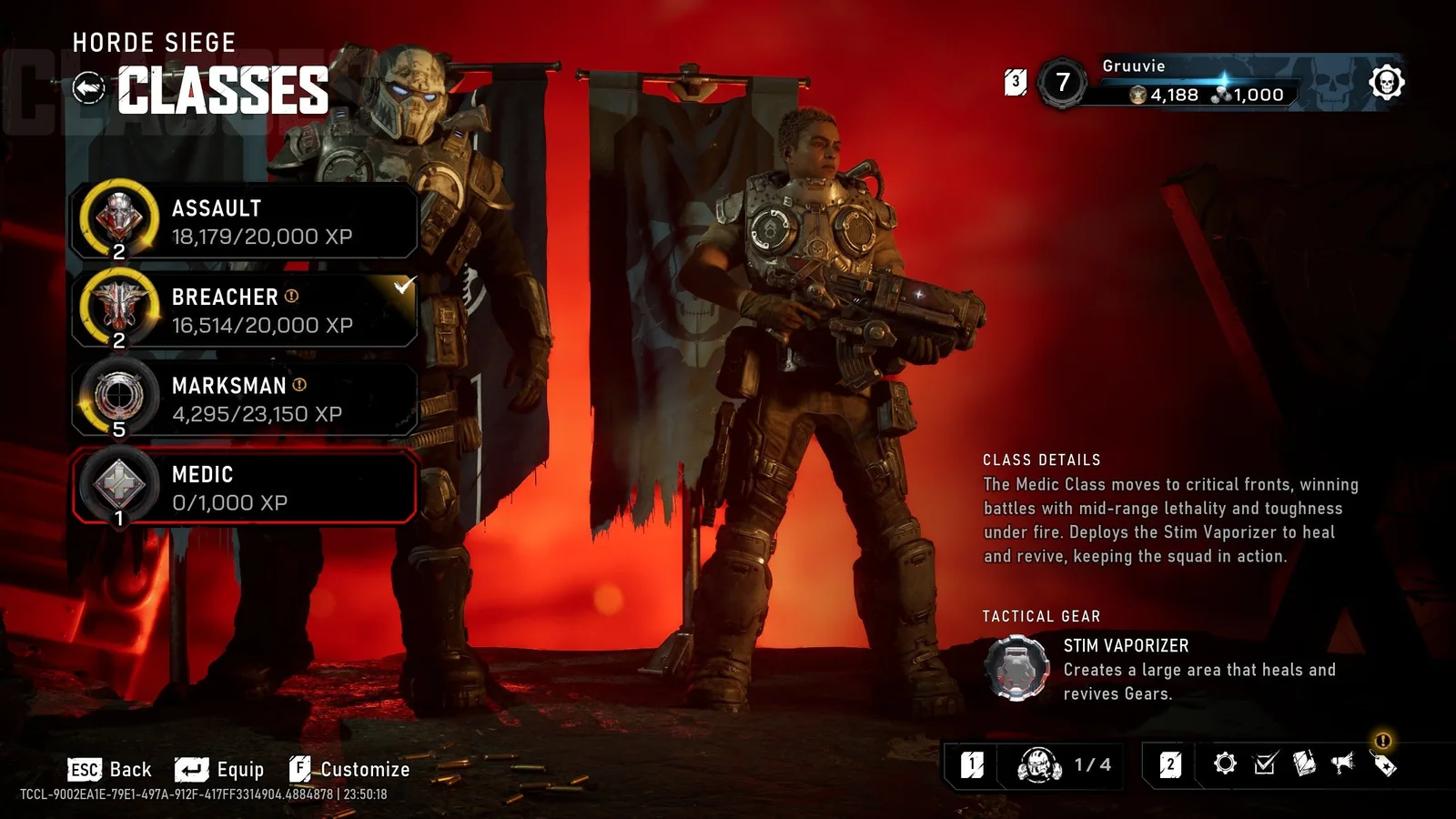
The account Player Level and the individual Horde class progression are distinct tracks. This menu does not show a milestone Coin payout.
Check your current Player Level and the distance to its next ten-level milestone. If you are close, choose a mode you can complete consistently and pursue available weekly challenges that award Player XP. The challenge itself should not be described as a direct Coin payment unless its actual reward says so.
This is not unlimited Coin farming. Milestones require progression, and the confirmed launch information does not provide a universal XP-per-minute route. Do not claim that a particular playlist reaches the next batch faster without a verified comparison.
Keep Player Level separate from Horde Class level. A class unlock can improve your Horde loadout, but it is not automatically the ten-Player-Level Coin milestone. The name of the progression track matters when you decide what reward you are working toward.
Choose medal goals that also support normal play
Many medals award Coins, and higher medal tiers provide larger Coin rewards. These awards are outside the match cap. Inspect the medal's actual requirement and reward before selecting it as a Coin goal, because not every medal should be assumed to pay the same amount.
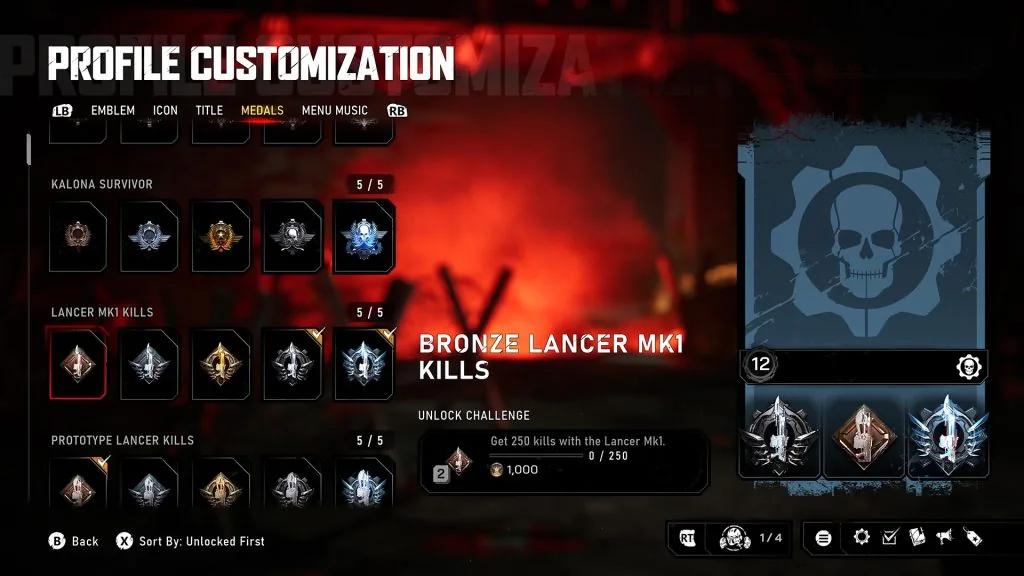
This preview medal interface shows a task, progress, and Coin reward together. Use the current game for the live requirement and reward amount.
Pick a goal that fits the mode and role you already enjoy. If a medal is close to its next tier, it can provide a more concrete objective than repeatedly queueing only for uncertain match Coins. A goal far from completion may not be a useful short-session earning plan.
Do not chase a medal in a way that undermines the squad's mission. In Horde Siege, abandoning the final extraction to extend a side activity can end the run badly. In Versus, ignoring the match objective for a personal tally can reduce the quality of the game for your team.
Read the reward when the medal unlocks and compare the Coin balance afterward. That makes the uncapped source visible and avoids interpreting the award as evidence of a weekly reset.
Check whether your cosmetic actually needs Coins
E-Day's customization has both direct and indirect unlock paths. Some items come from achievements, medals, or active challenges; other items can be acquired with Coins in the Barracks. Before planning more Coin earnings, check the item you want and its available acquisition method.
An item tied to an active achievement or challenge cannot be bypassed with Coins or money while that requirement is active. Earning extra currency therefore does not solve every locked cosmetic. The appropriate task may be completing the listed challenge instead.
Limited-time challenge rewards are planned to enter the Barracks after the challenge expires and a cooldown period passes. That does not establish an exact date for every item. If a reward is unavailable today, do not assume that reaching the Coin cap is the reason.
Premium Edition content, charity offers, and partnership content also have distinct acquisition conditions. Keep those conditions separate from the ordinary Coin purchase path before spending time on a balance target.
Distinguish the Barracks from the rotating shop
Coins can buy eligible individual items in the Barracks. The rotating shop features discounted offers for Iron, the premium currency. A shop bundle that does not accept Coins is therefore not proof that your Coin balance is broken or that the weekly cap prevents purchases.
The official shop policy says its featured discounted items are already individually available in the Barracks, and remain there when the bundle rotates out. Check the individual item's acquisition method rather than assuming the discounted bundle is the only way to get its contents.
A full weapon skin set applies across customizable weapons, so do not budget as though every individual weapon necessarily requires another purchase of that same unlocked skin. Verify the owned set and relevant customization category before deciding you need more currency.
Purchasing Iron is optional for eligible shortcuts. It is not a necessary response to an unresolved Coin-award issue, and it does not explain why a particular match reward was missing.
Diagnose missing match Coins before calling it a cap
Take one completed match and inspect its results. Record whether a match Coin award is shown, whether Player XP advanced, and whether a medal or level milestone triggered. Compare the final balance with any purchases made since the previous check.
If the match ended through a crash, disconnect, or failed Horde extraction, keep that outcome in the report. An interrupted run is a different case from a normally completed match that explicitly reports the cap. Do not infer the weekly limit from a single technical failure.
Also check that you are inspecting the intended account. A reward on one account and a balance on another cannot establish a cap problem. If you play on multiple devices or launchers, keep the signed-in identity consistent for the comparison.
When results show an award but the balance does not match the expected change, preserve the result and report the discrepancy through Gears support. Include the date, platform, mode, and the separate rewards shown. No guaranteed reimbursement or repair is established by the cap rules alone.
Plan a useful session without an invented reset
If you have reached the displayed match Coin allowance, choose a Player Level milestone, a medal tier, or a direct cosmetic challenge you can actually progress. If your only goal is more capped match Coins, wait for confirmed eligibility rather than repeating matches based on a guessed reset hour.
Keep the purchase target visible and use its current listed cost when planning. Do not estimate a number of required matches from someone else's score or a pre-launch reward claim. Match awards depend on performance and score, and the confirmed launch information has no verified universal earning rate.
The practical rule is source-based: match Coins are capped; Player Level and medal Coins are exempt. Your next action should follow the reward source you can still progress, while the numeric cap and exact reset remain unresolved until confirmed in current game information.