
Gears of War: E-Day is included with Xbox Game Pass Ultimate and PC Game Pass. Ultimate covers the Xbox console route and cloud gaming, while PC Game Pass provides access through the Xbox app on Windows PC. The game is available now following its October 6, 2026 standard release.
The important limitation is that every Game Pass plan does not provide the same entitlement. The US Xbox Store identifies the game as included with Ultimate, and the official game page also lists PC Game Pass. Xbox Game Pass Essential or Premium can satisfy the console online-multiplayer requirement, but those plans should not be treated as an included copy of E-Day. The store specifically says that an E-Day purchase is required to stream the game with Essential or Premium.
Game Pass access is also different from buying the game. A qualifying subscription lets you play through that subscription; purchasing the digital Xbox version provides the separate Xbox Play Anywhere entitlement for Xbox console and Windows PC.
Gears of War E-Day Game Pass access at a glance
| Where you want to play | Required access | What to know |
|---|---|---|
| Xbox Series X or Series S | Xbox Game Pass Ultimate, or a purchased copy | Ultimate includes the game. A purchased copy can be played without relying on the included-game entitlement. |
| Windows 10 or 11 PC through the Xbox app | PC Game Pass, Game Pass Ultimate, or a purchased Microsoft-store copy | Game Pass access uses the Xbox app route. It does not create a Steam license. |
| Xbox Cloud Gaming | Game Pass Ultimate, or a purchased copy combined with an eligible streaming plan where supported | Ultimate includes cloud-playable access. The Xbox Store says Essential or Premium members must purchase the game to stream it. |
| Supported gaming handheld | Depends on whether you use the Windows Xbox app or cloud route | The official page lists supported handhelds, but that label does not establish compatibility with every handheld operating system. |
| Steam | A separate Steam purchase | PC Game Pass and Xbox Play Anywhere do not grant a Steam copy. |
Choose the right Game Pass route
Start with the device and storefront you actually intend to use. This prevents the most common entitlement mistake: seeing that E-Day is on Game Pass and assuming any plan, launcher, or PC store will recognize the same license.
- On Xbox Series X|S, use Game Pass Ultimate if you want the included copy. If you already purchased the Microsoft digital version, use the account that owns it.
- On Windows PC, use the Xbox app with PC Game Pass or Ultimate. A Steam installation requires its own Steam purchase.
- For cloud play, Ultimate is the straightforward included-game route. Essential or Premium requires a purchased E-Day license according to the Xbox Store wording.
- On a handheld, identify whether the device is using the Windows Xbox app or a supported cloud-gaming route before choosing a plan.
- If you want permanent access independent of the subscription entitlement, compare the cost of buying the base game with the subscription option.
Do not choose a plan solely because it includes console online multiplayer. Multiplayer access and ownership or catalog access are separate questions. First confirm that your plan supplies the base game on your chosen platform, then confirm that it covers any online mode you intend to play.
Xbox Series X|S access
On Xbox Series X|S, Game Pass Ultimate includes Gears of War: E-Day. The game is optimized for these consoles and the official Xbox page advertises 4K, HDR, and up to 60 FPS, subject to compatible display hardware.
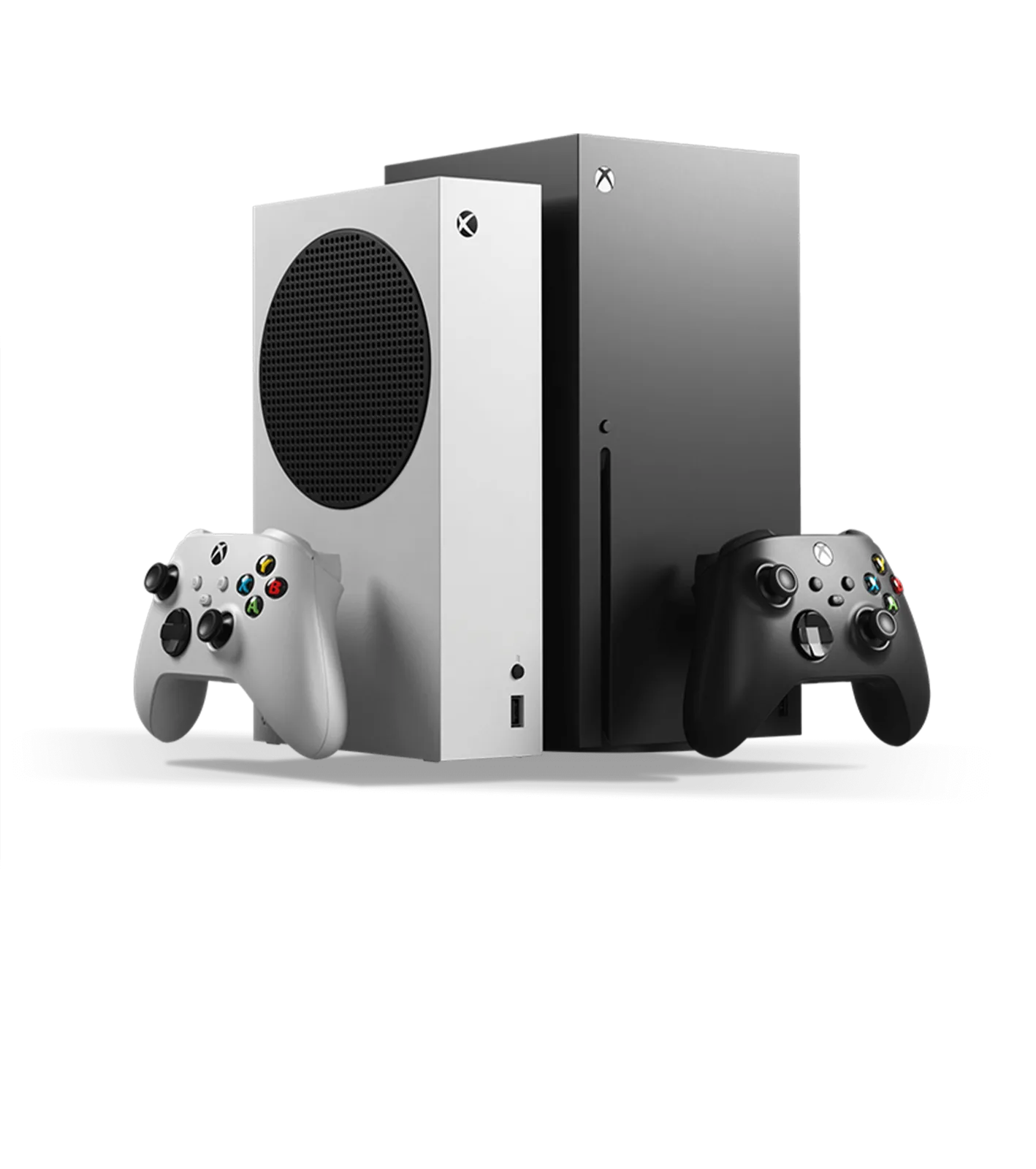
Xbox Series X|S is the supported console family for Gears of War: E-Day.
The campaign can be played alone, in two-player split-screen, or online with other players. Split-screen is available only on console. If you want to use online campaign co-op, Horde Siege, Versus, or another online multiplayer feature, the console account needs a Game Pass plan that includes online multiplayer.
This produces two valid console setups:
- Game Pass Ultimate supplies both the included game and console online multiplayer access.
- A purchased copy supplies the game, while Essential, Premium, or Ultimate can satisfy the separate console online-multiplayer requirement.
A player using only the included Game Pass copy should not downgrade from Ultimate to Essential or Premium and assume the game will remain included. The official plan listing names Ultimate for the console Game Pass route. Essential and Premium appear in the store wording as plans that can support online multiplayer and purchased-game streaming, not as the listed included-game plans for E-Day.
For local two-player split-screen, the console-only restriction matters more than the online-player requirement. Both players can use the local mode on the console, but this feature is not listed for Windows PC.
PC Game Pass access
PC players can access Gears of War: E-Day through PC Game Pass or Game Pass Ultimate using the Xbox app on Windows 10 or 11. Open the Xbox app, sign in with the account holding the eligible subscription, locate E-Day in the Game Pass library, and choose the installation location on an SSD.
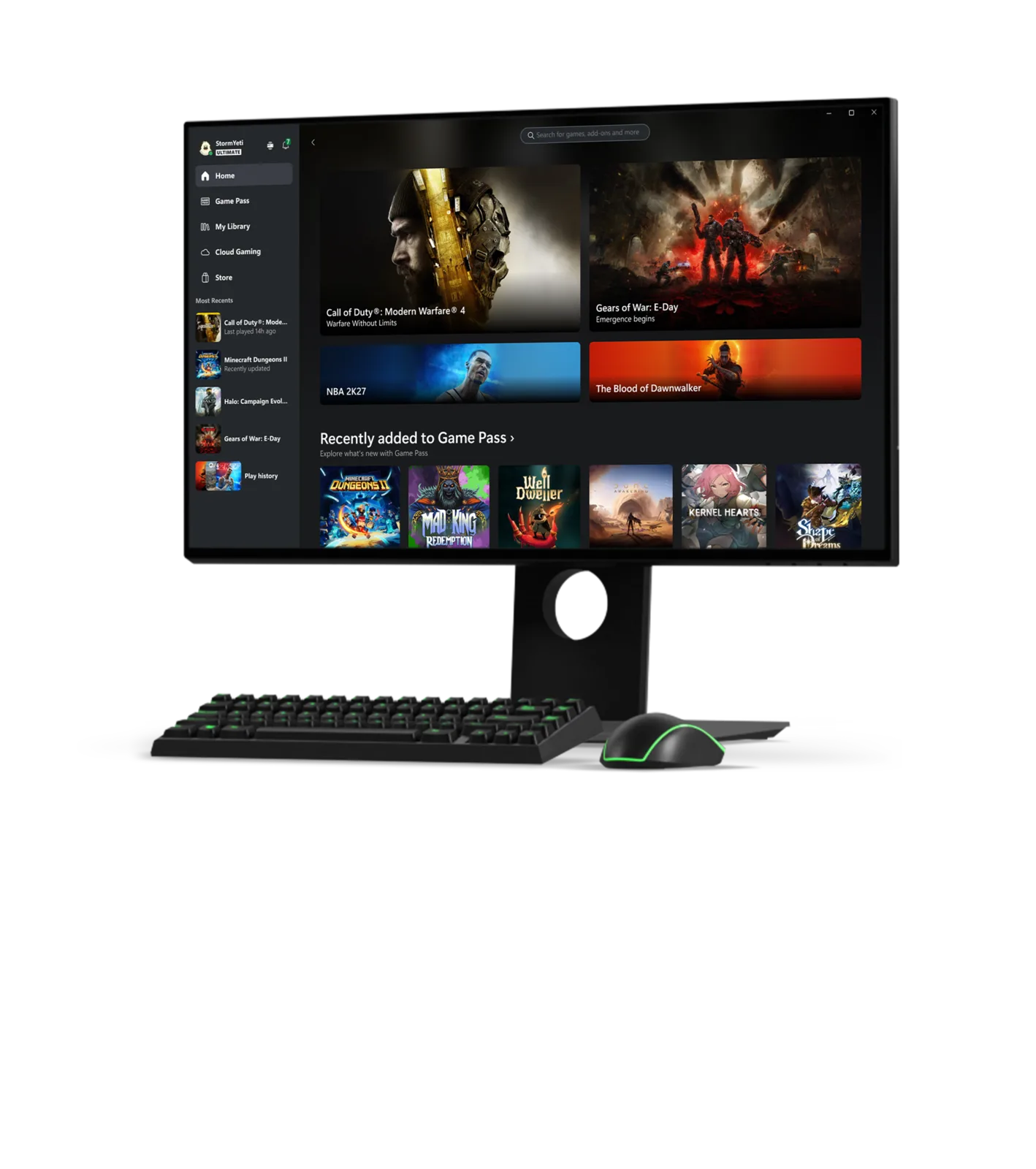
PC Game Pass access uses the Xbox app on Windows.
The Microsoft and Steam versions are separate storefront routes. A PC Game Pass membership does not place the game in your Steam library, and a Steam purchase does not establish Xbox Play Anywhere ownership. If you searched Steam first and saw a purchase button, that does not mean your PC Game Pass entitlement is missing; return to the Xbox app and check the subscription account there.
The Xbox Store says the game requires an initial download and may require later updates, with additional storage potentially needed. Downloads and updates require a broadband connection. Because installed size can change with patches and optional components, rely on the current installation estimate shown by the Xbox app instead of treating an older download-size report as permanent.
Before starting a large download, check three items:
- The Xbox app is signed into the Microsoft account that owns PC Game Pass or Ultimate.
- Windows is using a supported version and the selected SSD has enough space for the app's current estimate plus updates.
- You are installing the base game rather than the separate Premium Edition Upgrade, which cannot function as a standalone copy.
Cloud gaming access
Xbox Cloud Gaming is included in the official E-Day ways-to-play list. Game Pass Ultimate is the clear subscription route because the Xbox Store identifies the game as cloud playable with Ultimate.
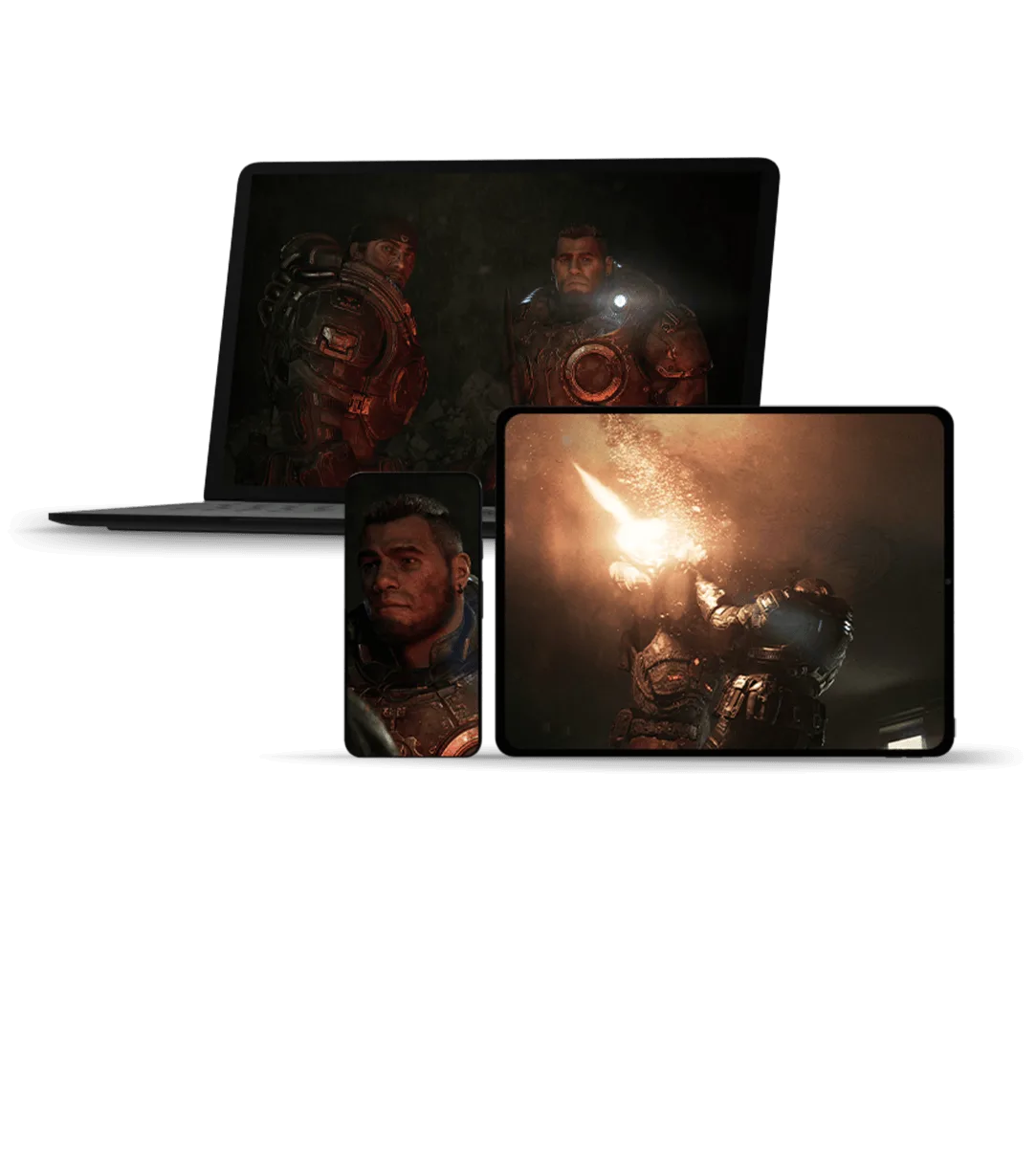
The cloud route streams Gears of War: E-Day across supported screens.
The same store notice gives Essential and Premium a different condition: you must purchase Gears of War: E-Day before streaming it with either of those plans. In other words, those plans can be part of a purchased-game cloud setup, but they are not a substitute for Ultimate's included E-Day entitlement.
Use this decision rule:
- Choose Ultimate when you want the subscription itself to provide E-Day and cloud access.
- If you have Essential or Premium, confirm that your Microsoft account owns the base game before expecting the cloud launch option.
- If the cloud option is absent, check the signed-in account, plan, purchased-game entitlement, device support, and regional availability before assuming the game is unavailable everywhere.
Cloud play avoids a full local installation, but it does not change storefront ownership. It does not grant a Steam copy, and it does not convert subscription access into a permanent base-game purchase.
Supported handheld access
The official Xbox page lists Gears of War: E-Day for supported gaming handhelds, and the Xbox Store marks it as handheld optimized. That statement should be read narrowly: it confirms a supported handheld route, not universal support for every portable device or operating system.
On a Windows handheld, check the Xbox app for your PC Game Pass or Ultimate entitlement. If you intend to stream instead, apply the cloud-plan rules above. A device marketed as a PC handheld may still differ in operating system, input support, storage, or access to the Xbox app, so confirm the actual launch route on that device before purchasing a plan.
Do not infer native support for a different storefront from the general handheld label. In particular, PC Game Pass remains an Xbox app entitlement and does not become a Steam license merely because both services can appear on handheld hardware.
What the included base game lets you play
The Game Pass listing covers the Gears of War: E-Day base game. That base game includes the origin-story campaign, Horde Siege PvE, and Versus PvP. The campaign supports solo play, two-player console split-screen, and online play. Horde Siege is a cooperative mode built around classes, squads, objectives, and larger battles, while Versus offers competitive 4v4 modes across Ranked and Social playlists.
These modes do not mean every piece of Premium Edition content is also included. The Premium offering separately lists the Bravo Squad Signature Weapon Pack, five seasonal customization packs beginning with the Emergence Pack, and 1,000 Iron. Treat those extras as a separate purchase decision rather than part of the standard Game Pass entitlement.
Online campaign co-op, Horde Siege, Versus, and other online multiplayer features require a plan that includes console online multiplayer when played on Xbox console. That requirement is separate from merely gaining access to the base game. Solo campaign play and console split-screen should not be confused with the online modes when deciding which subscription features you need.
Game Pass compared with buying the game
As of October 9, 2026, the US Xbox page lists the Standard Edition at $69.99, the Premium Edition at $99.99, and the Premium Edition Upgrade at $30.00. These are US page prices from that date, not guarantees for other regions, taxes, stores, or future promotions.
Game Pass is the lower-commitment route if you already subscribe to Ultimate or PC Game Pass and simply want to play through the eligible Xbox ecosystem. Buying is the clearer route if you want a base-game license that does not depend on the included-game subscription entitlement.
The Microsoft digital purchase also supports Xbox Play Anywhere. Buying once through that route provides access on Xbox console and Windows PC. Xbox Play Anywhere does not mean every PC storefront participates: it does not turn a Microsoft purchase into a Steam license, and a Steam purchase does not automatically provide an Xbox console copy.
Choose based on the entitlement you need:
- Use Ultimate for included access on Xbox Series X|S and for the straightforward cloud route.
- Use PC Game Pass if you only need the Xbox app version on Windows PC.
- Buy the Microsoft digital version if Xbox Play Anywhere ownership across console and Windows PC matters to you.
- Buy separately on Steam if Steam is your required launcher and library.
- Add the Premium Upgrade only after confirming that your existing base-game entitlement satisfies its store requirement.
Game Pass and the Premium Edition Upgrade
The $30 Premium Edition Upgrade is an add-on, not a standalone game. Its Microsoft Store wording requires the base game or an Xbox Game Pass Ultimate membership, each sold separately. The upgrade supplies Premium content, including the Bravo Squad Signature Weapon Pack, seasonal customization packs, and 1,000 Iron.
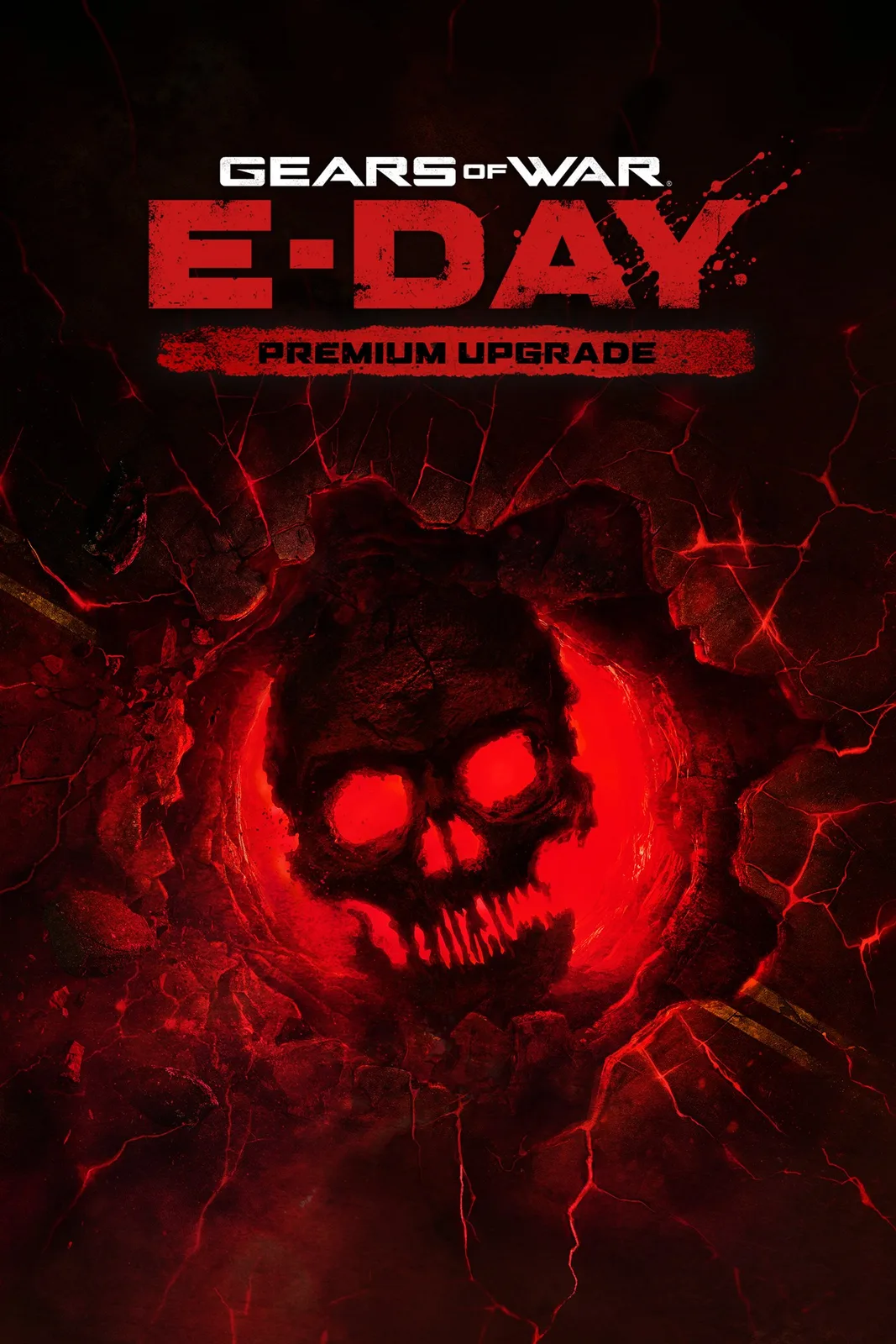
The Premium Edition Upgrade is a separate add-on product.
Do not buy the upgrade expecting it to create permanent ownership of the base game. If your only base-game access comes from Ultimate, the upgrade adds content to that eligible access but does not replace the underlying base-game requirement.
The advertised five-day early-access period ran before the October 6 standard launch. It is now a historical benefit, so buying the upgrade after release cannot recover those early days. Judge the upgrade by its remaining weapon-pack, customization, and Iron contents rather than by early access.
The Microsoft upgrade listing names the base game or Game Pass Ultimate for this upgrade. It does not establish that every other subscription or storefront combination qualifies. A PC Game Pass member should therefore verify the live store's eligibility message on the account and platform being used instead of assuming that the Ultimate-specific upgrade condition applies identically.
Fixing a missing Game Pass install or play option
If E-Day does not show an install or play button, work through the entitlement chain in order. Most problems come from a plan, account, platform, or product mismatch rather than from the game being absent from Game Pass.
- Confirm the platform. The supported primary platforms are Xbox Series X|S and Windows 10 or 11. Do not expect an Xbox console installation on older unsupported console hardware.
- Confirm the plan. Use Ultimate for the included Xbox console and cloud routes. Use PC Game Pass or Ultimate in the Windows Xbox app.
- Confirm the account. The Xbox console, Xbox app, or cloud service must be signed into the Microsoft account holding the subscription or purchase.
- Confirm the storefront. A Game Pass entitlement appears through the Xbox ecosystem, not as an owned Steam license.
- Confirm the product. The Premium Edition Upgrade is an add-on. It cannot replace the base game.
- Separate installation from multiplayer access. Owning or installing the game does not by itself provide console online multiplayer. Conversely, a plan that supports online multiplayer does not necessarily include E-Day.
- Check regional availability. Xbox notes that content, services, and online play can vary by region. A missing option in one region or device context does not prove universal unavailability.
- Review the current storage estimate. The game needs an initial download for local play and may need more space for updates.
The shortest reliable path is to match one device, one storefront, one account, and one valid entitlement. For most players, that means Ultimate on Xbox or cloud, PC Game Pass in the Windows Xbox app, or a separately purchased copy on the desired storefront.